

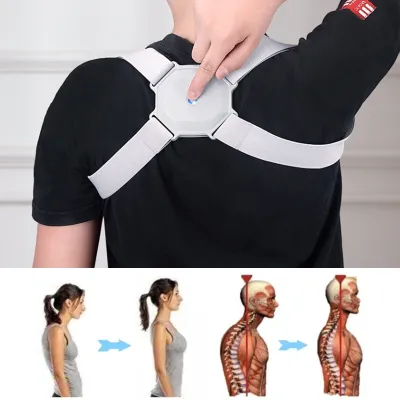
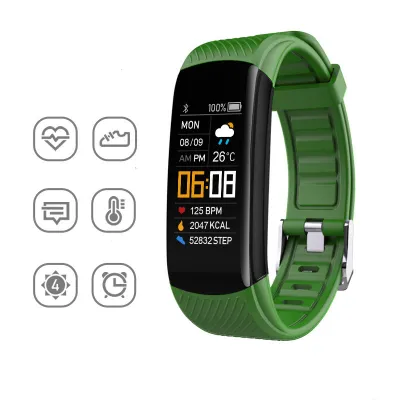
Smart Posture Corrector Adjustable Kids Adults Hunchback Back Correction Belts Real-time Posture Assessment Training
$2.17
1,406+ sold
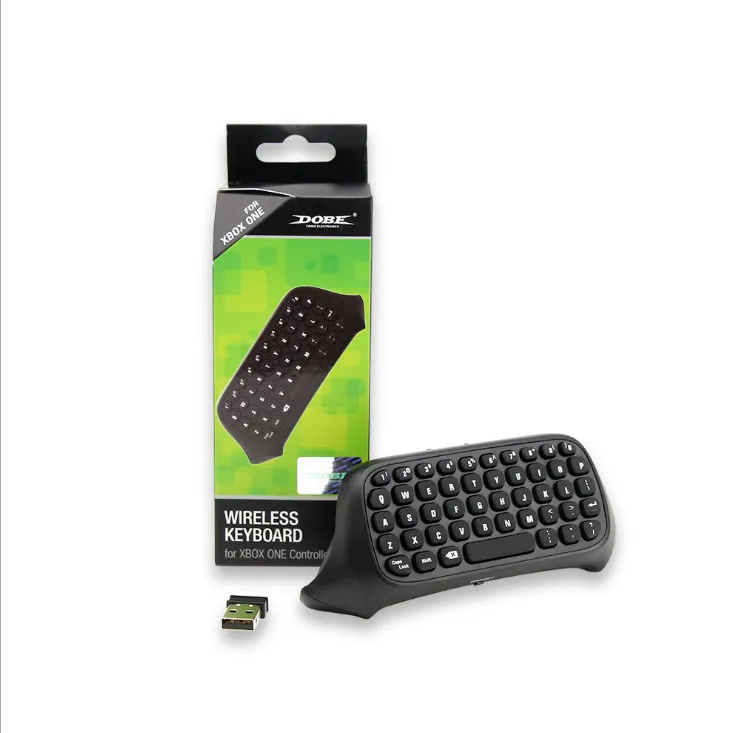


Instructions for use:
1. Connect the XBOX one host power supply first, then connect the HDMI cable to the display device and turn on the XBOX one host power supply. The corresponding power indicator lights up.
2. Connect the Xbox_one handle to the XBOX one host (do not understand the manual)
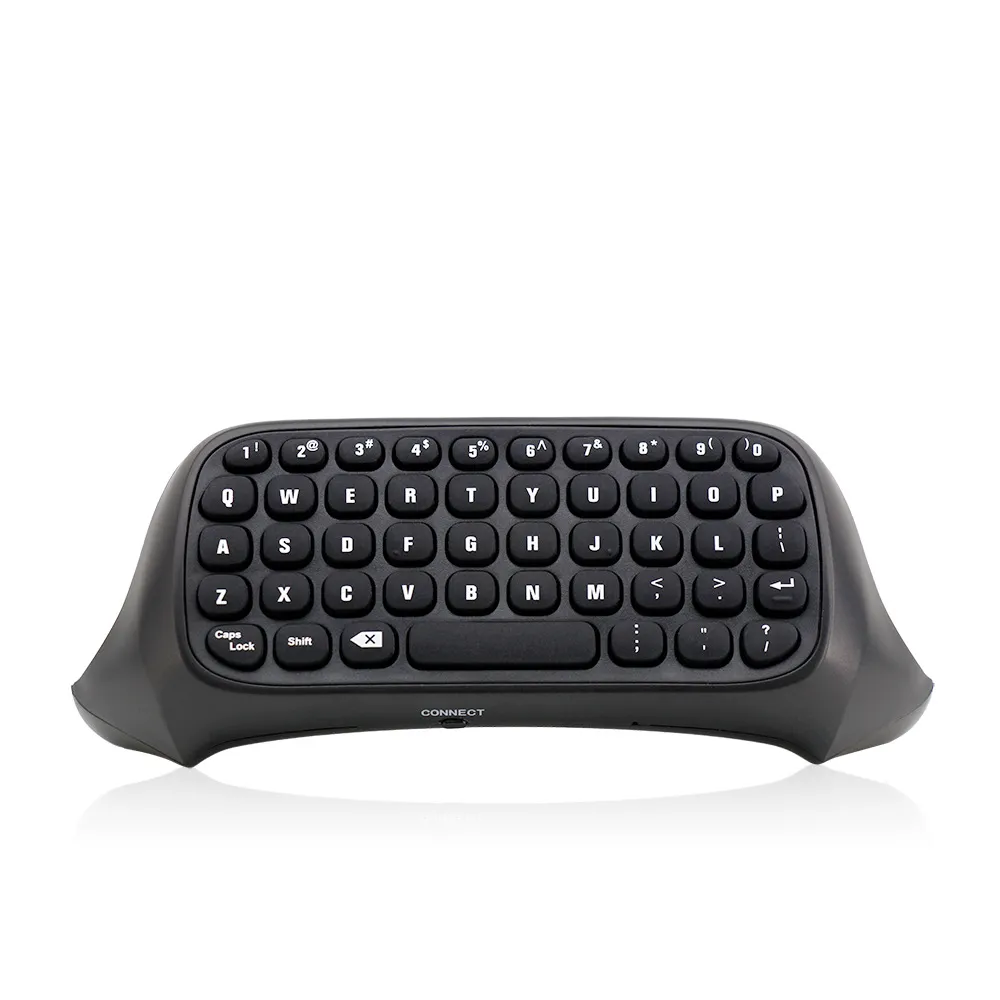
3. Align the two connecting posts of the keyboard with the holes of the controller, align the XBOX ONE headphone head with the seat on the back of the wireless controller, and then gently push the keyboard to the controller until it is stuck. .
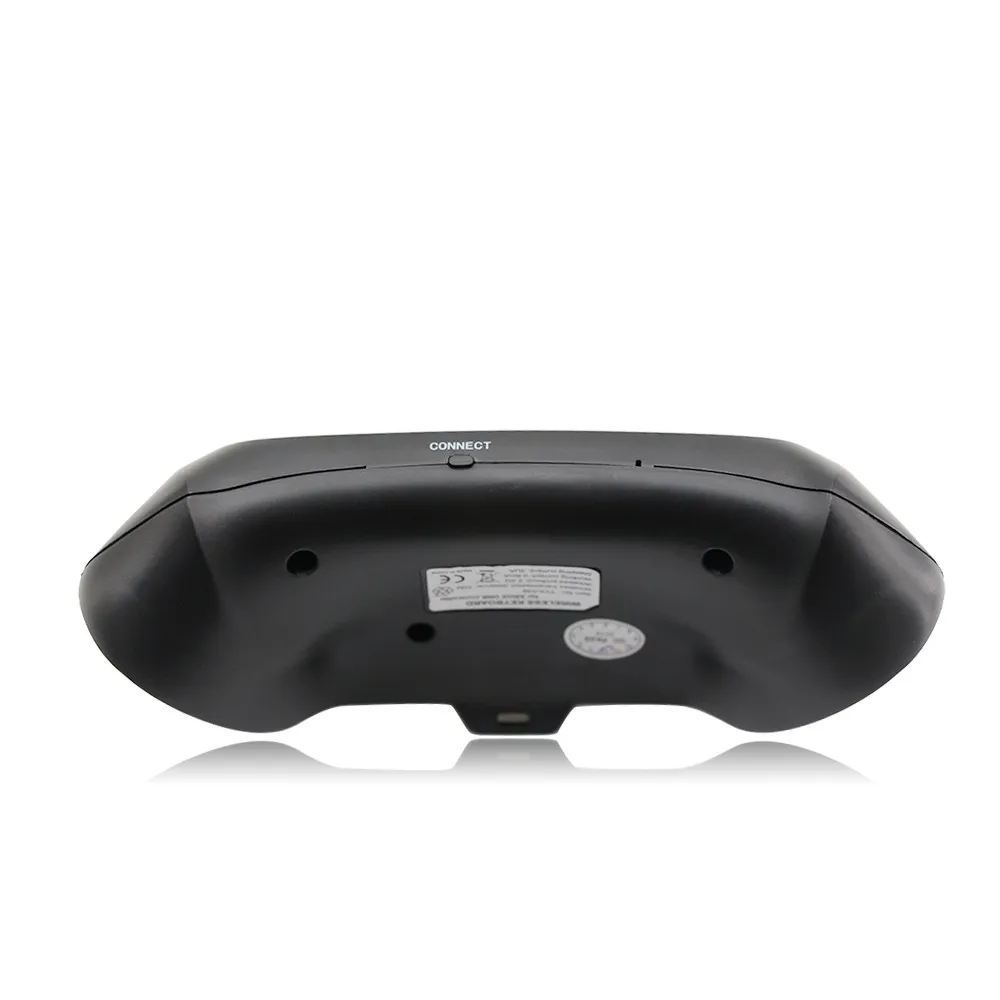
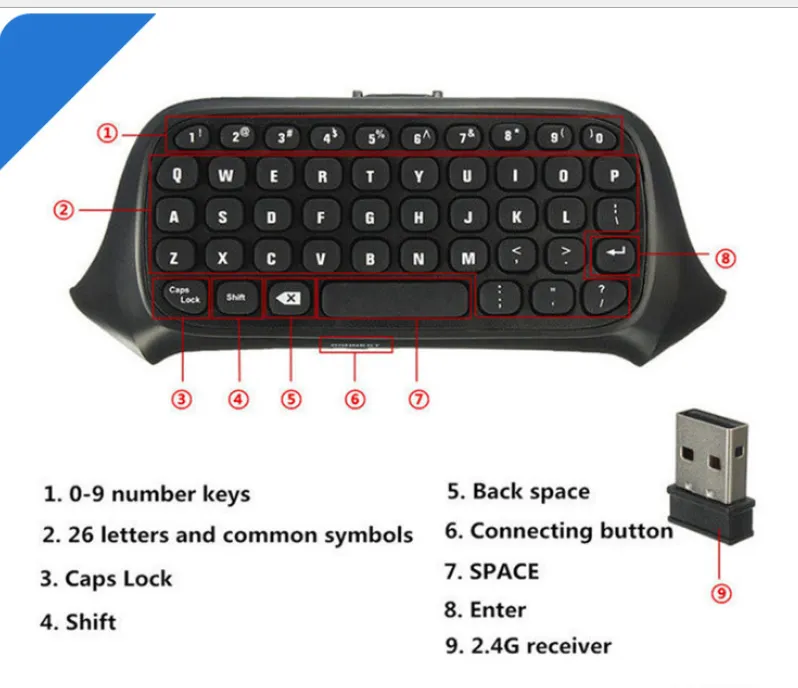
4. When the controller of the controller is connected, press the code button on the back of the XBOX one keyboard. The blue light of the XBOX one keyboard will be bright. At this point, the 2.4G receiver of the distribution is plugged into any USB port of the XBOX one host, and the XBOX one keyboard can be automatically completed.
5. After the code is completed, the XBOX one blue code light will be off, which means that the XBOX one keyboard can work normally. (If there is no code success, the blue pair of lights will turn off automatically for 12 seconds, indicating that the XBOX one keyboard enters the sleep power saving mode)
6. The XBOX one keyboard and the 2.4G receiver only need to be coded once, and the subsequent use only needs to open the host wake-up handle to be automatically connected and used directly.
7, XBOX one handle sleep, this product will also go to sleep. Press the “” button on the XBOX one handle to wake up the handle and keyboard.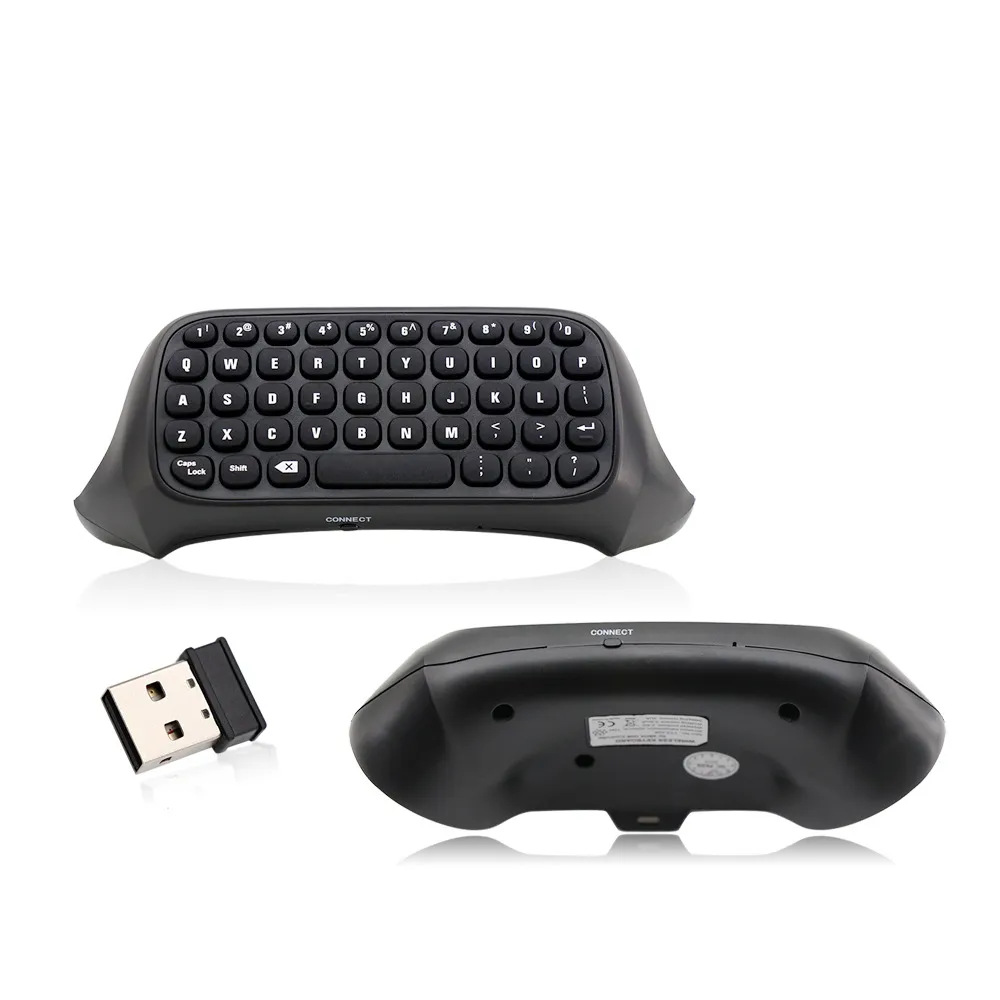
Bought this item?
Share your thoughts with other shoppers.
There are no reviews for this product yet.
We ship from verified warehouses in China to Zimbabwe. All orders include end-to-end tracking so you always know where your package is.
Estimated delivery: 14 days – 30 days
We accept EcoCash (USD, ZiG) and InnBucks (USD only). All payments are processed securely.
Not satisfied? Contact us within 14 days of delivery for a return or exchange. Items must be unused and in original packaging. Refunds processed within 5 business days.
Every order is covered by our Buyer Protection programme. If your item doesn't arrive or isn't as described, we'll make it right — guaranteed.
Similar products based on this item.




Add this shop to your home screen or desktop for faster, full-screen shopping.
Sign in to access your orders and recommendations.